

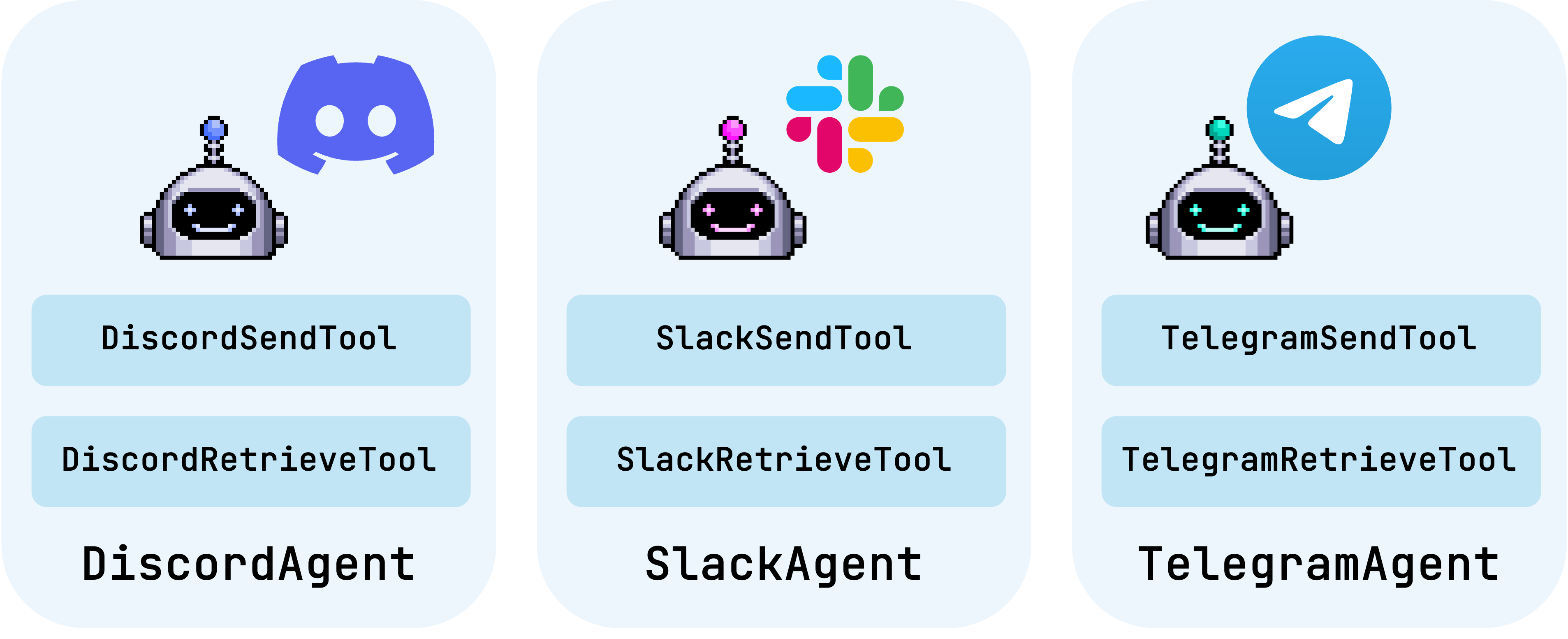
DiscordAgent, SlackAgent, and TelegramAgent.
Installation
Install AG2 with the necessary extra for the platform(s) you need.Capabilities
The send functionality is consistent across agents, they take a message and post it to the configured channel/group/bot. If a message is longer than the platforms permitted message length, they will split the message into multiple messages. The common retrieve functionality includes:- Retrieve the latest X messages from a channel/group/bot.
- Retrieve messages since a given date.
- Retrieve messages since a given message ID.
- Retrieve a message given its ID.
Platform configuration
Each agent is configured for a specific channel/group/bot. This configuration is applied when you create the agent. Discord, Slack, and Telegram all have their own authentication and channel/group/bot identifiers. See this notebook for more guidance on establishing those authentication details and identifiers.Using the Agents
As the agents are based on
ConversableAgent you can use them in any conversation pattern in AG2.
An important component of the new agents (as opposed to just using their tools) is that the platform’s messaging requirements will be appended to their system message.
They cover aspects like maximum message length, preferred format (e.g. Markdown), and provide tips like using emojis.
These are enabled by default, but you can turn these off by setting
has_writing_instructions to False when creating the agent.