Portkey is a 2-line upgrade to make your AG2 agents reliable, cost-efficient, and fast.
Portkey adds 4 core production capabilities to any AG2 agent:
Portkey is a 2-line upgrade to make your AG2 agents reliable, cost-efficient, and fast.
Portkey adds 4 core production capabilities to any AG2 agent:
- Routing to 200+ LLMs
- Making each LLM call more robust
- Full-stack tracing & cost, performance analytics
- Real-time guardrails to enforce behavior
Getting Started
- Install Required Packages:
-
Configure AG2 with Portkey:Generate your API key in the Portkey Dashboard.
- Let’s Run your Agent
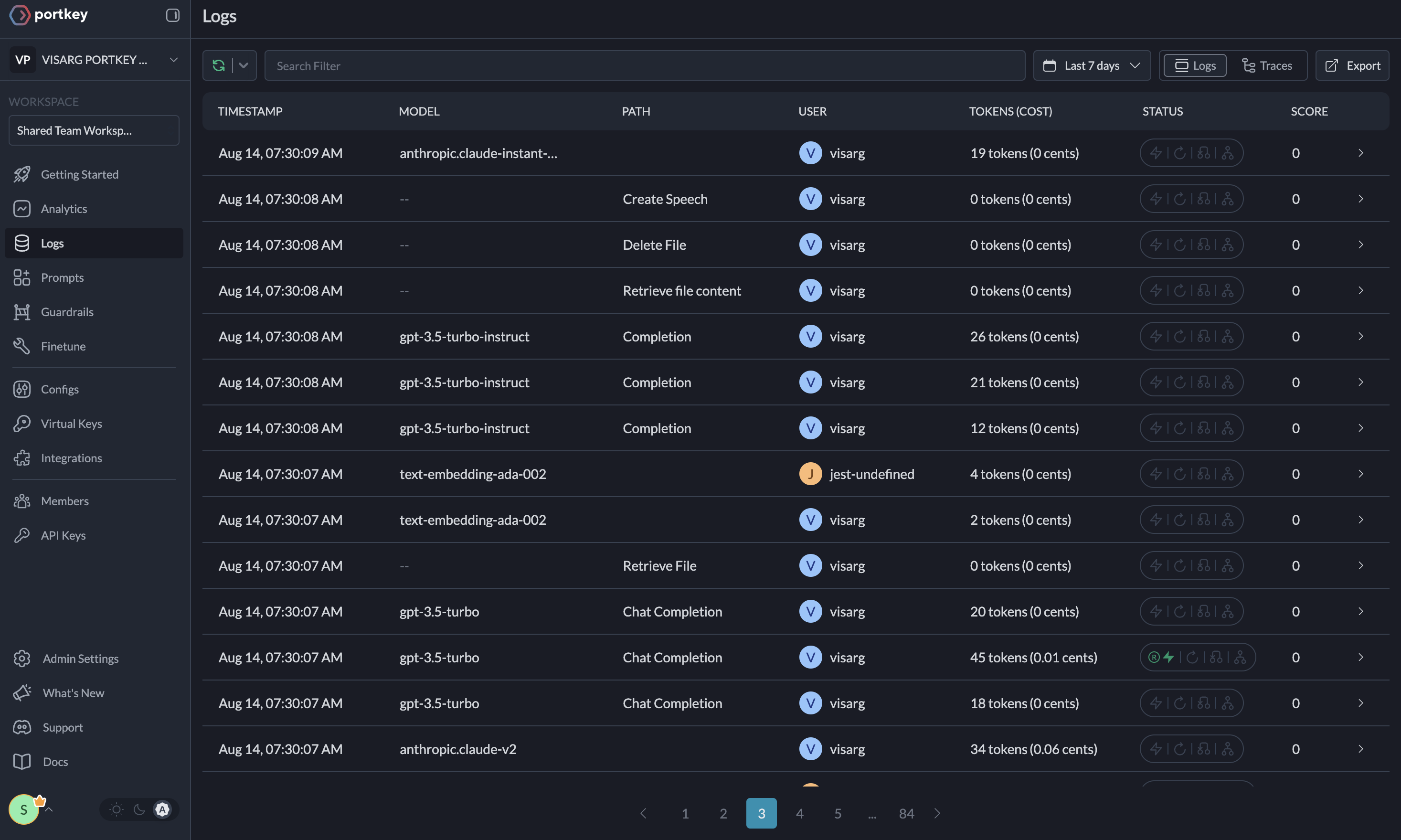
Here’s the output from your Agent’s run on Portkey’s dashboard

Key Features
Portkey offers a range of advanced features to enhance your AG2 agents. Here’s an overviewColab Notebook
For a hands-on example of integrating Portkey with AG2, check out our notebook .
.
Advanced Features
Interoperability
Easily switch between 200+ LLMs by changing theprovider and API key in your configuration.
Example: Switching from OpenAI to Azure OpenAI
Reliability
Implement fallbacks, load balancing, and automatic retries to make your agents more resilient.Metrics
Agent runs are complex. Portkey automatically logs 40+ comprehensive metrics for your AI agents, including cost, tokens used, latency, etc. Whether you need a broad overview or granular insights into your agent runs, Portkey’s customizable filters provide the metrics you need.Portkey's Observability Dashboard
Portkey's Observability Dashboard
Comprehensive Logging
Access detailed logs and traces of agent activities, function calls, and errors. Filter logs based on multiple parameters for in-depth analysis.Traces
Traces
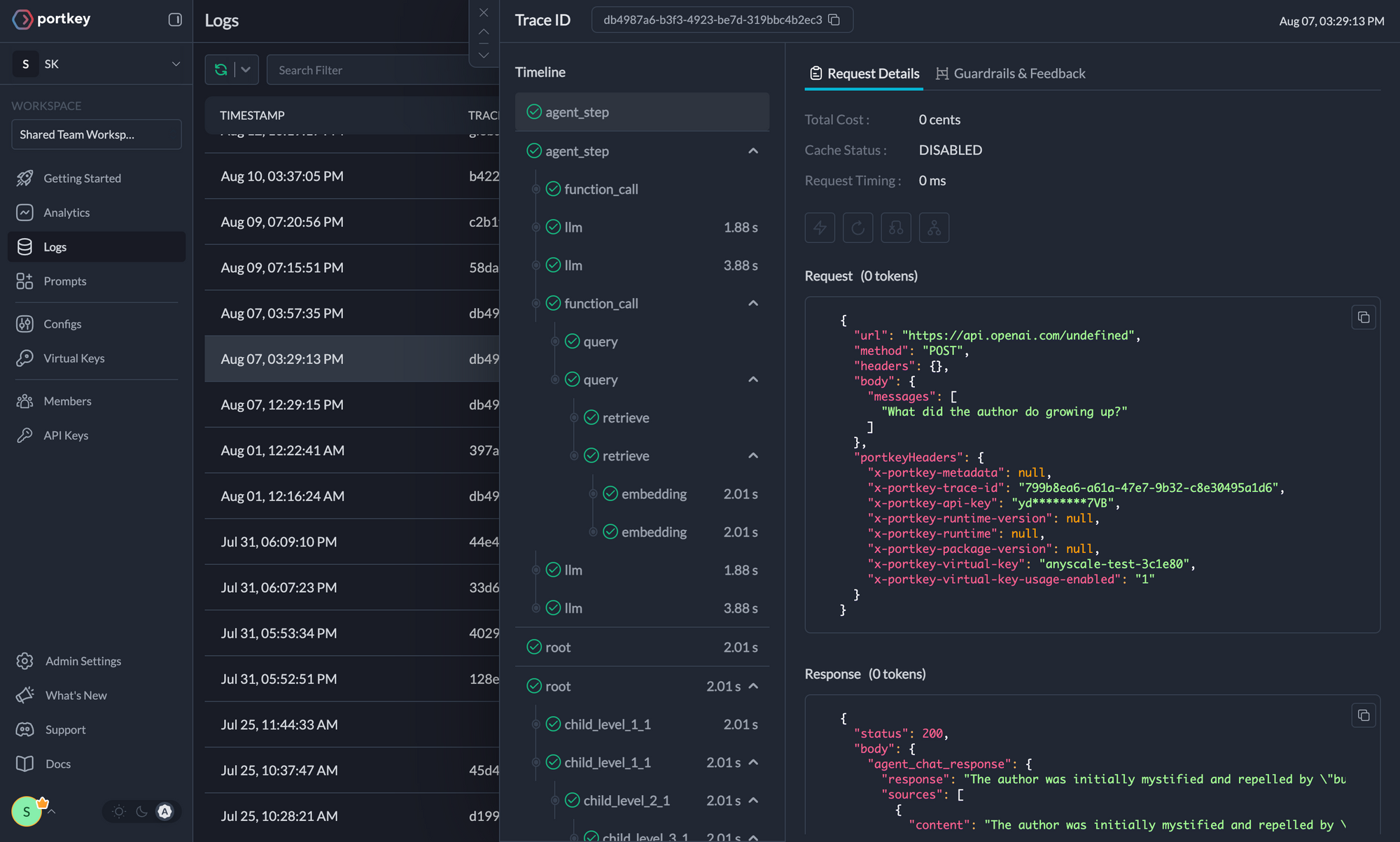
Logs
Logs